Loading...
Loading...
The ultimate clicks per second test and clicking speed game. Measure your CPS with reliable accuracy. Run 1, 5, or 10-second tests to check burst speed, stamina, or mouse switch health.
The pure burst speed test. Perfect for measuring your absolute peak clicking rate (jitter or butterfly) without fatigue setting in.
The standard for most competitive games like Minecraft PVP. Balances burst speed with short-term consistency.
A true endurance challenge. Tests your ability to maintain a high click rate as your hand muscles begin to tire.
The clicks per second (CPS) test is a simple way to measure the raw speed at which you can actuate a mouse button. Our implementation kicks off the timer on your very first click or tap, then logs every input with a timestamp until the selected duration elapses. The resulting numbers capture your overall CPS, the best one-second burst, and the rhythm between presses. Because the timer is short, the test emphasizes quick bursts of speed rather than sustained endurance, making it ideal for checking switches and microcontroller responsiveness.
Methodology matters when comparing results. Sit in a neutral posture with your forearm supported and position the cursor over the test button. Once you begin, maintain a consistent rhythm rather than spamming randomly; most players achieve higher scores by finding a cadence that matches the switch’s actuation point. The accompanying diagram illustrates how every click is time stamped and plotted, a process that exposes irregular gaps which might indicate hardware chatter or human hesitation. Repeating the test several times and averaging the scores gives a more reliable figure than relying on a single burst.
Interpreting your CPS result requires context. Competitive gamers often average between six and ten clicks per second with a standard mouse, while specialized techniques such as butterfly clicking can push numbers much higher. If your score deviates dramatically from expectations, consider whether debounce settings or worn switches are limiting performance. The trend across multiple attempts is usually more telling than an isolated peak. An upward trajectory as you warm up suggests technique is improving, whereas a plateau may point to hardware constraints.
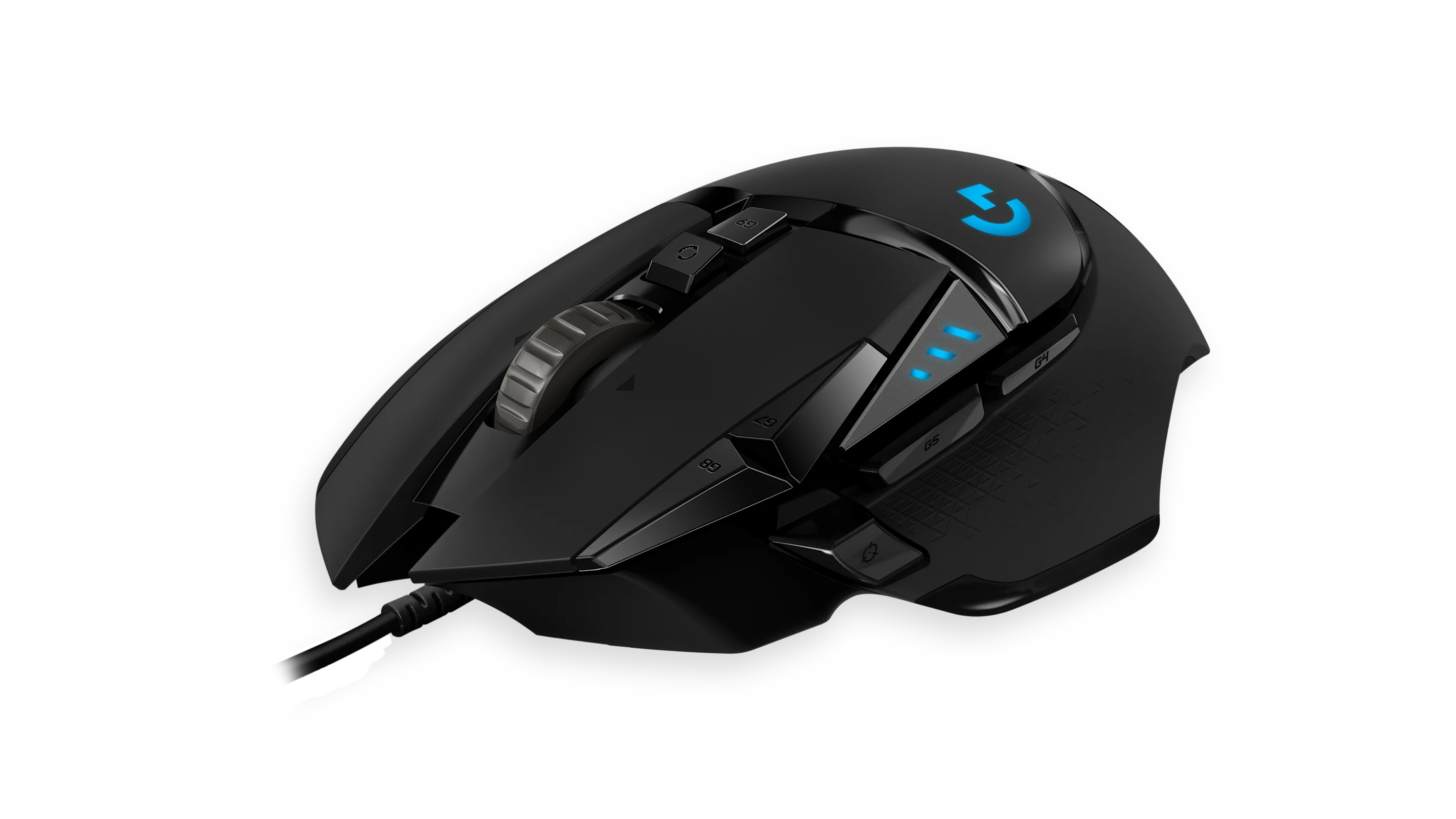
Best practices help make the most of CPS training sessions. Warm up your hands to reduce stiffness, keep your grip relaxed to avoid early fatigue, and focus on clean clicks rather than brute force. Lightweight mice like the Logitech G Pro X Superlight from our recommended gear section allow faster actuation with less strain, and pairing them with a stable pad keeps the body anchored. Recording your results over time builds a useful baseline, revealing how equipment changes or practice routines influence your output.
Use the visualization above to double check that each input is being captured. The line segments represent the interval between clicks, and consistent spacing indicates good rhythm. Large gaps or missed points can highlight mechanical issues or inconsistent technique. Reviewing this trace before diving into the interactive test encourages a more mindful approach and prepares you to interpret the statistics the tool produces. With that foundation in mind, scroll down and put the theory into action.
CPS stands for "Clicks Per Second." It is a metric used to measure how fast you can click a mouse button in one second. It is commonly used by gamers to test their speed and performance.
The average person clicks at about 6-7 CPS. Professional gamers often reach 10-12 CPS. Anything above 12 CPS is considered extremely fast and usually requires special techniques.
Practice is key. You can also try different clicking techniques like Jitter Clicking or Butterfly Clicking. Using a gaming mouse with high-quality switches can also help.
Yes! Gaming mice are designed for faster actuation and better response times. They also often have better ergonomics, allowing you to click faster for longer periods without fatigue.
Verified world records for CPS are difficult to confirm, but skilled players using techniques like butterfly clicking regularly achieve 15-25 CPS, while drag clicking can produce bursts of 30+ CPS. Some players claim even higher scores, but extremely high CPS may be flagged by anti-cheat systems in competitive games.